
Team and billing account
myScribe uses two customer-facing terms for two different concepts:
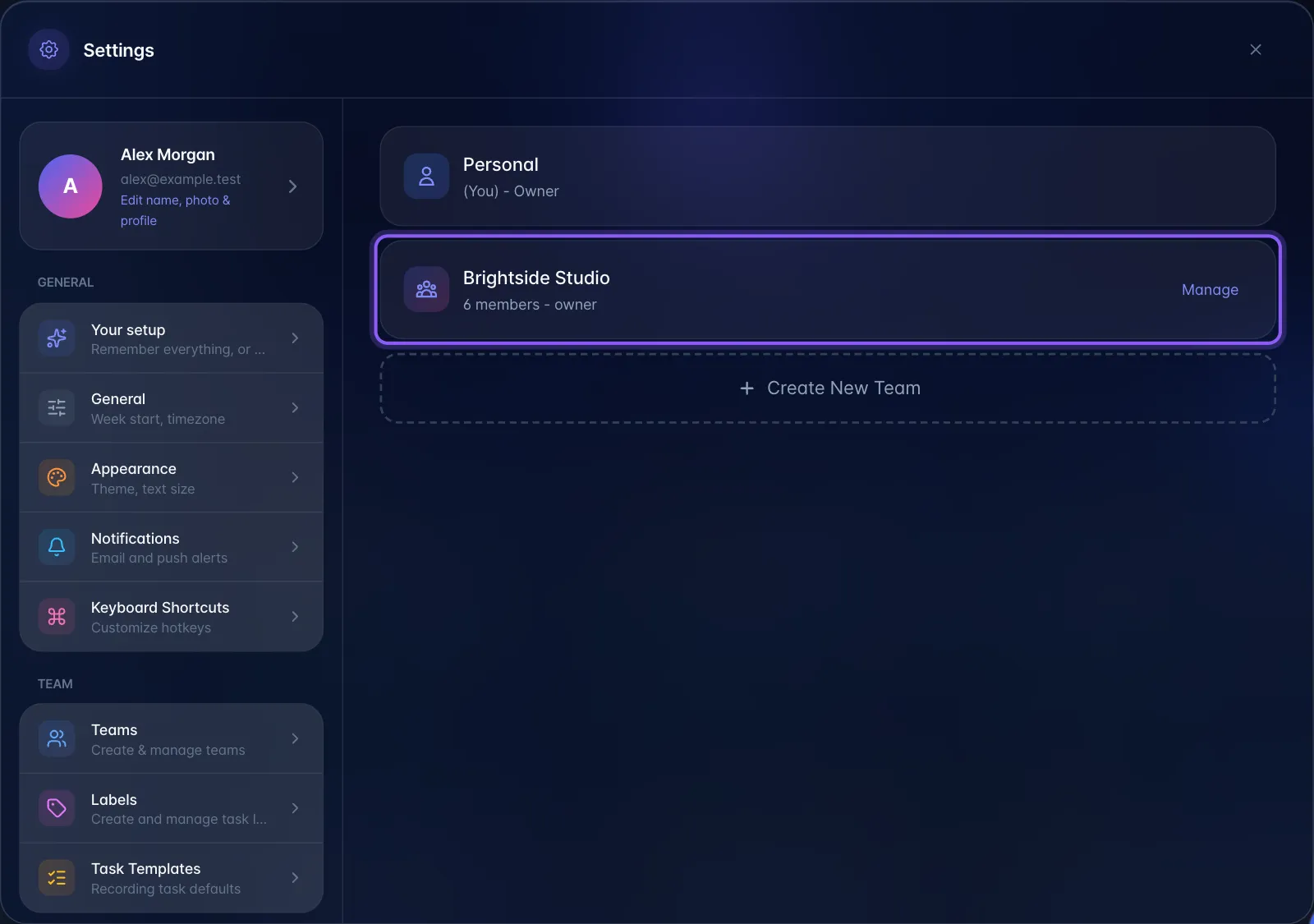
Personal. Every account gets a private Personal area. Every recording, task, project and label belongs to either Personal or a Team.
Team. A named group you create in Settings, with members and roles. Teams appear in Settings → Teams and in the left sidebar under "Team".
Billing account. The payer behind a subscription. Seats are bought and filled in Plan & billing, and this is what shares a paid plan with someone else. Both Team invites and seat invites use /invite/<token> links.
Practical difference the writer should state plainly:
- Seat invite (Plan & billing) → the person you invite inherits your paid plan. Their plan is resolved from the highest-tier billing account they belong to.
- Team invite (Settings → Teams) → the person joins your team for collaboration, but stays on their own plan.