
Theme and text size
Where. Settings → Appearance (listed under the General heading).
- Theme: Dark, Device or Light. Device is the default: the app follows your phone or computer's own light/dark setting and changes with it. Picking Dark or Light overrides that. Your choice applies instantly and also recolours the phone status bar in the installed app.
- Text Size: Default / Large / Larger / Largest. Until you pick one, phones start at Large and other screens at Default.
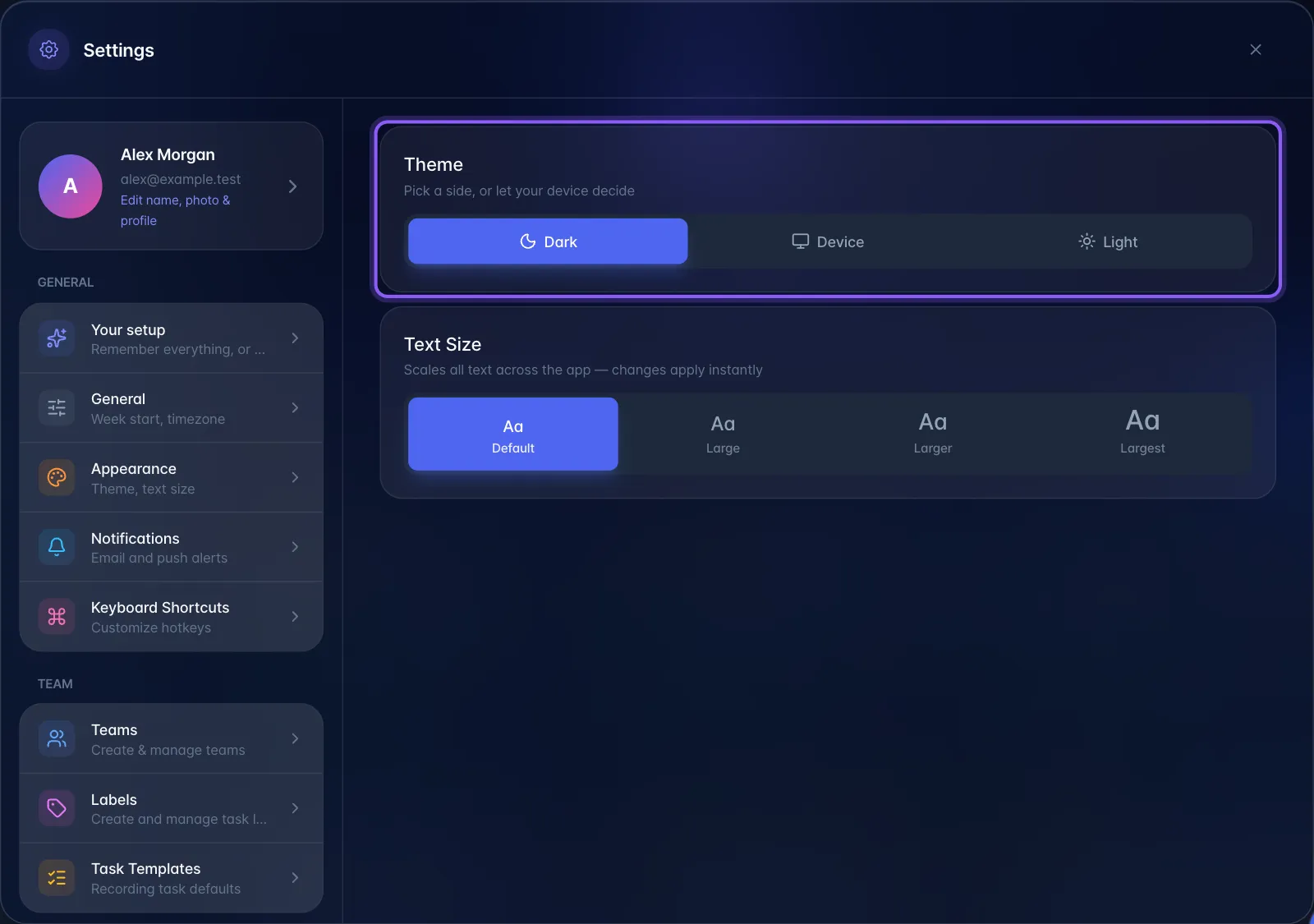
The profile menu also has a sun/moon row for switching directly between light and dark. On a computer, the desktop setup page has the same Theme and Text size choices, and Set up desktop app at the bottom of Settings → Appearance opens it.
Gotchas. Both settings are stored in the browser, so they are per device and per browser: they do not follow the user to another computer, and clearing browser data resets them to Device and the starting text size (Large on phones, Default elsewhere).
Plan gating. None.