
Account email
Where. Settings → Account.
- Click Change Email.
- Enter the new address and your current password.
- Update Email.
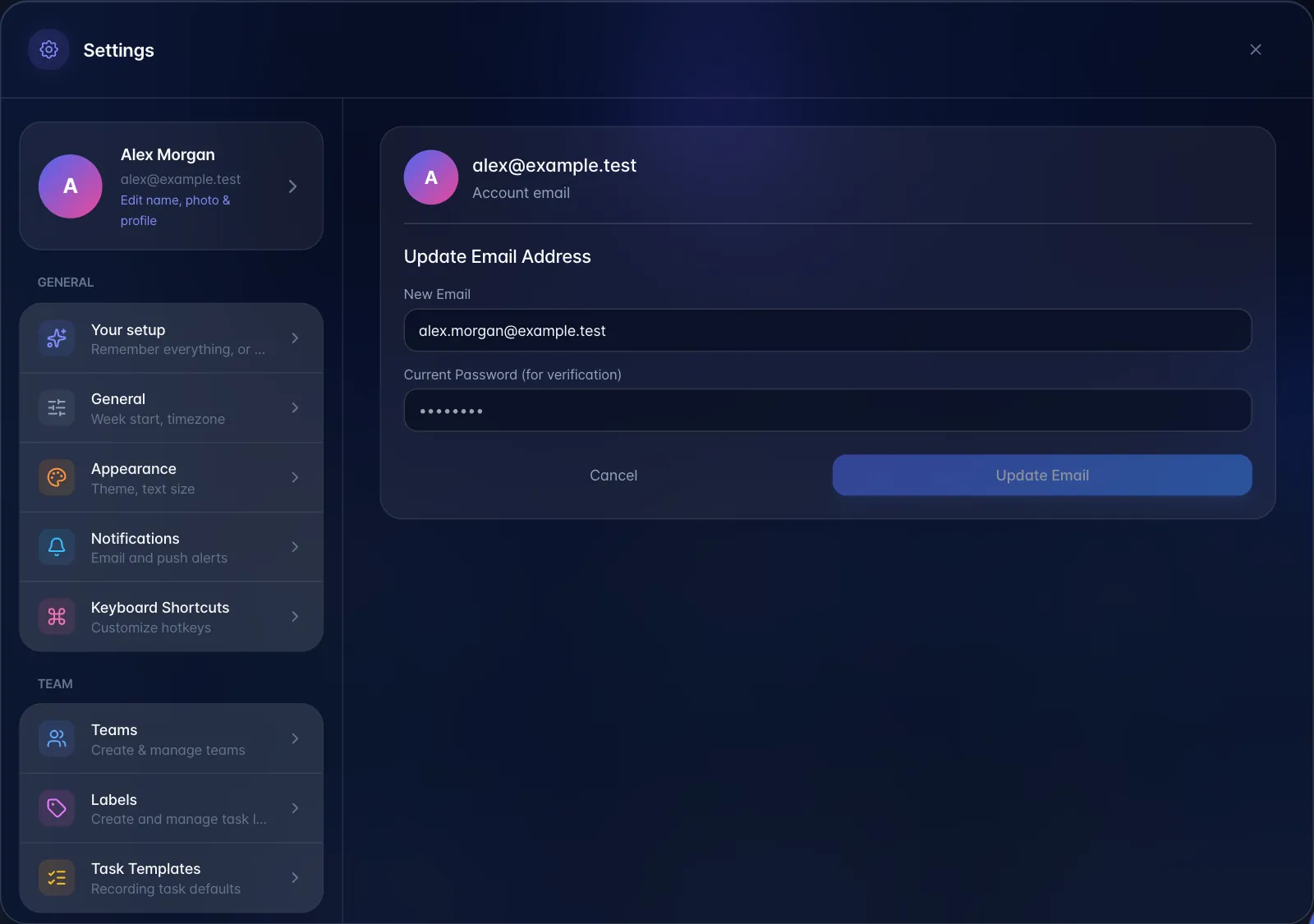
Confirmation links are sent to both the old and the new address; the change completes only after they are confirmed.
Gotchas. The current password is genuinely checked, so accounts created with a social/magic-link sign-in and no password cannot use this form. Changing the account email does not retarget invitations already sent to the old address.