
Creating a team
What it is. A named group you can invite colleagues into.
Where. Profile avatar (top right) → Settings → Teams → Create New Team, or the + next to Team in the sidebar (Create new team).
How.
- Open Settings → Teams.
- Click Create New Team.
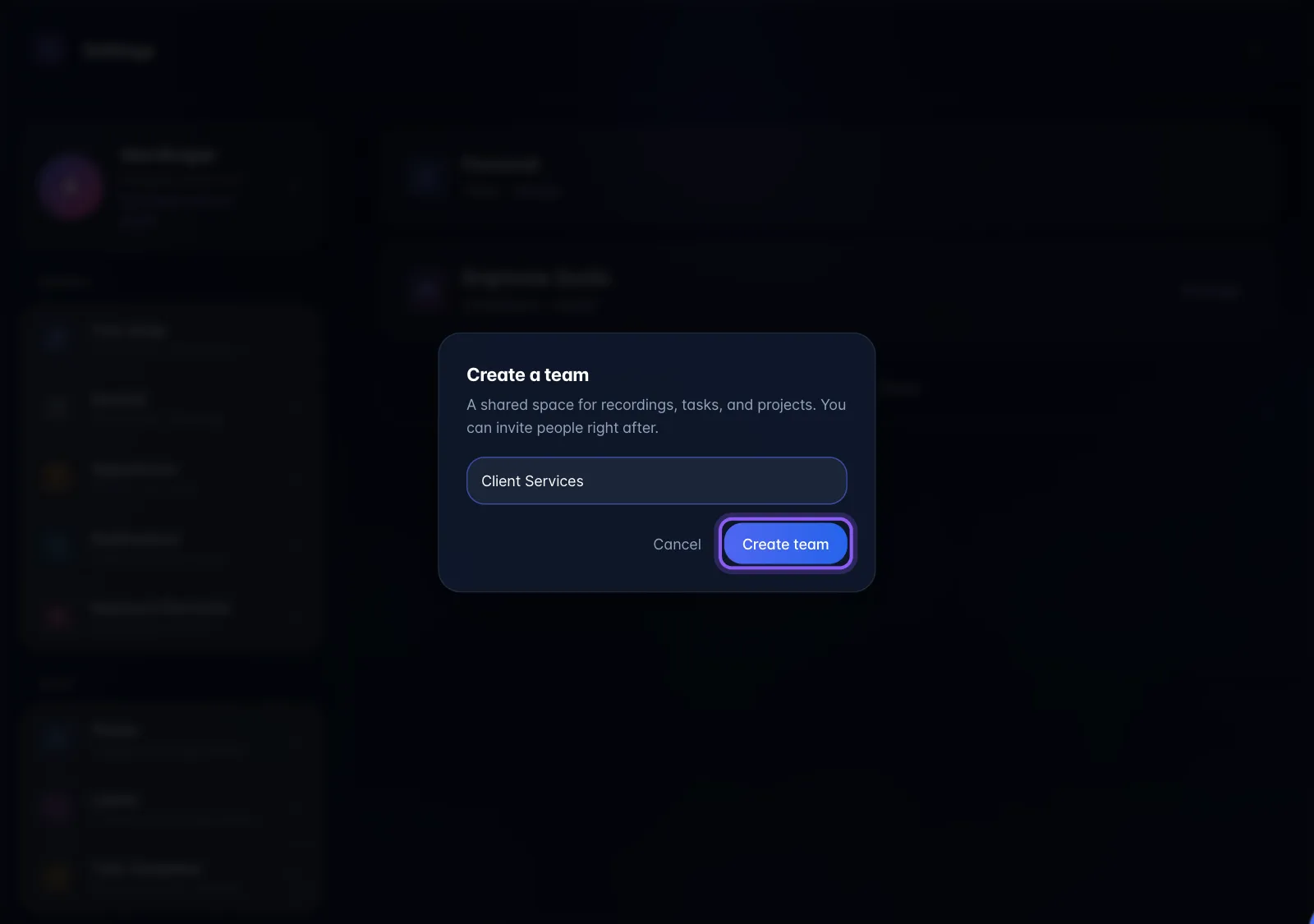
- Type a name in the box that opens and click Create Team.
From the sidebar, choose the + next to Team instead. In the Create a team dialog, type a name and click Create team.
Limits and gotchas.
- The name "Personal" is reserved: the app rejects it with an error.
- On Free / pay-as-you-go the whole Teams panel is replaced by an upgrade card ("Teams are available on Pro and Enterprise plans"). Note the copy says Pro and Enterprise; the actual rule is any paid plan.
- Creating a team does not cost a seat and is not connected to seat billing.
Plan gating. Paid plans only: Pro, Pro (Legacy) or Pro w/ AI Employee. On Free you see the upgrade card instead. The gate is applied in the interface rather than on the server, so an account that created a team earlier on a paid plan may still see it.