
Managing a team, roles, and inviting members
Where. Open Settings → Teams → Manage. You can also use a team's sidebar context menu and choose Manage Team.
- Open the team you want to manage.
- Under Invite Member, enter the person's email and choose the available role, Member or Admin.
- Choose Send Invitation. The invited person must accept before appearing as an active teammate or a recording-share recipient.
- Review pending invitations in the same dialog. Use Resend when someone needs another email, or cancel an invitation that is no longer needed.
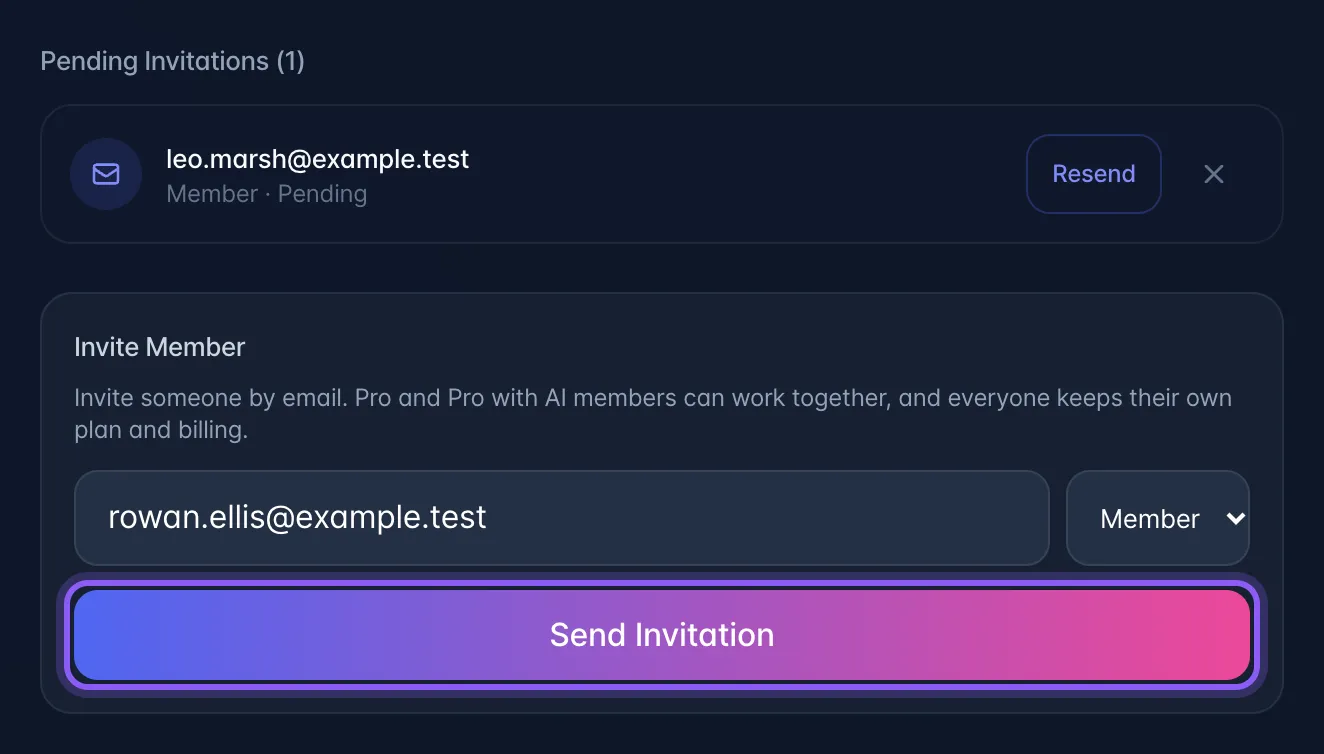
- If sending the email reports an error, check the pending invitation and use Resend. An invitation record alone does not prove email delivery.
Owners manage the team name and deletion. Member and invitation controls depend on your role; use the controls offered for your account. Team membership and paid billing seats are separate: a collaboration invitation does not replace the recipient's own subscription.