
Seats: Plan & billing
What it is. The billing screen where the account owner buys seats and fills them with people who then get the owner's paid plan.
Where. Profile avatar → Plan & billing.
How to add someone.
- Open Plan & billing.
- If no seat is free, click Add Seat: you get a price preview and a confirm step; the prorated (you pay only for the part of the billing period that is left) amount lands on your next invoice.
- Click Invite Member, enter the email, Send Invite.
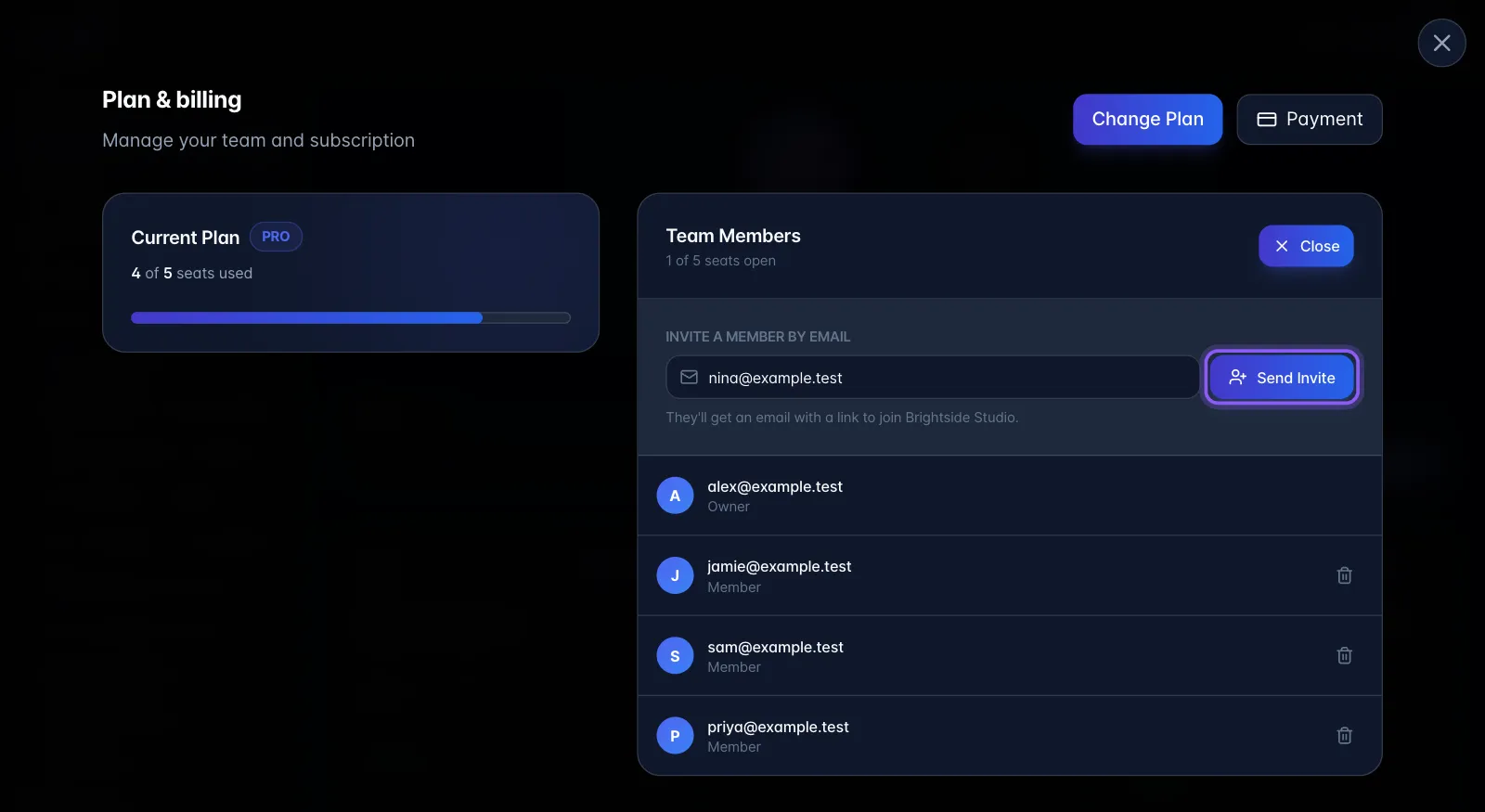
What it does behind the scenes. Creates the invitation, emails it, and refuses if members + pending invites already fill the purchased seats ("No open seats. Add a seat before inviting more members."). Any earlier pending invite to the same address is replaced. Accepting adds the person to the billing account, which is what makes them inherit the plan.
Limits and gotchas.
- Only the account owner sees the Invite Member button and can invite.
- Add/Remove Seat only appears on plans that sell add-on seats; flat-seat plans show "This plan has flat-included seats and does not support paid add-on seats."
- Pro covers 1 user and has no extra users to buy. When Pro is full, Invite Member shows "Pro includes 1 user. To add teammates, upgrade to Pro w/ AI Employee in Plan & billing, or contact us at support@myscribe.co." Pro w/ AI Employee includes 1 user and sells additional users.
- Remove Seat only removes empty paid seats: it never removes someone.
- Removing a member here frees the occupied seat but does not reduce what you pay; you must also remove the seat.
- Seat invites also expire after 7 days.
Plan gating. The invite controls require a paid plan: Pro, Pro (Legacy) or Pro w/ AI Employee.