
Finding things other people shared with you
- Open Library and choose Shared with me in the filter row.
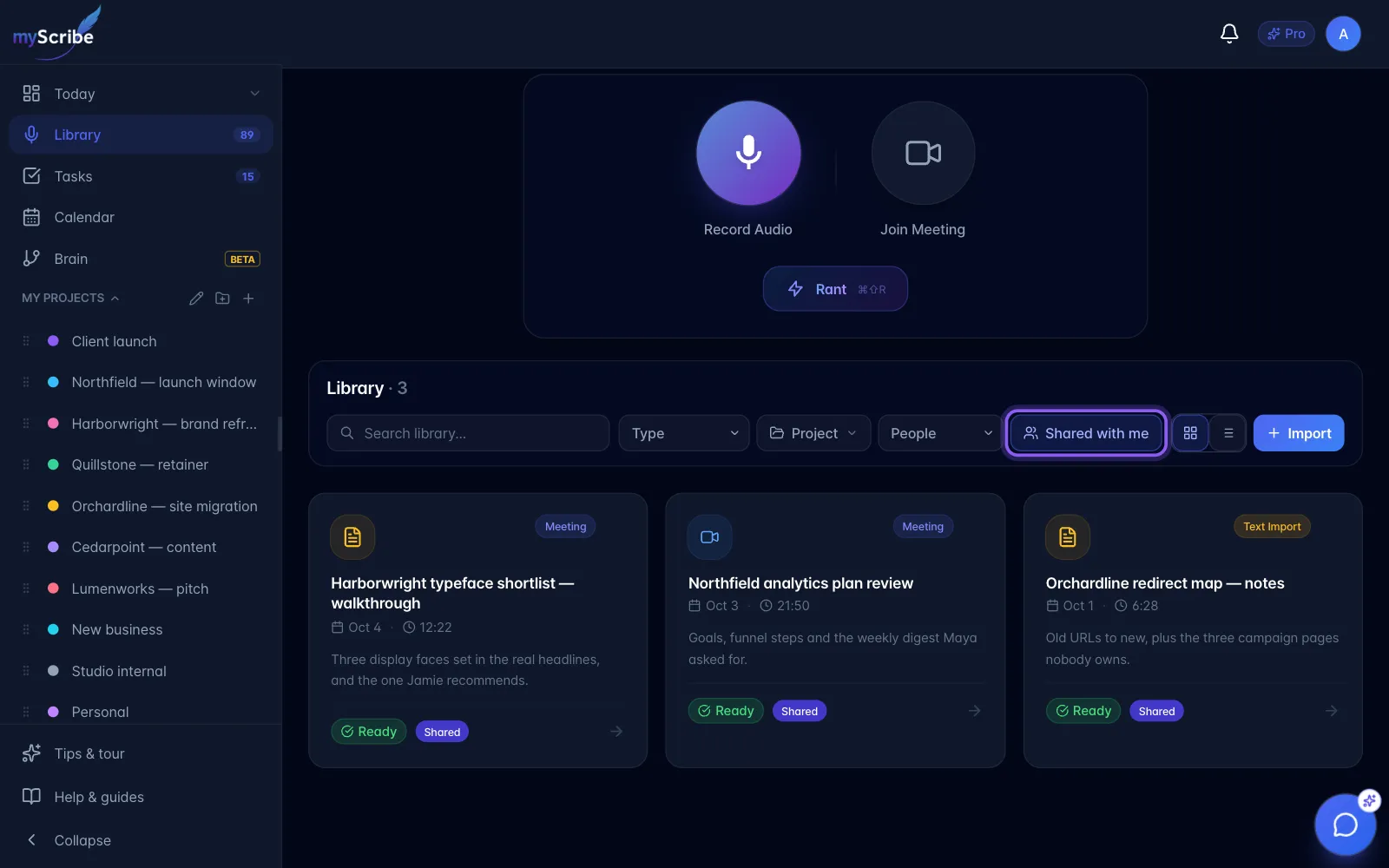
- Open the shared recording to see the content available to your account.
- For team-shared recordings, select the team from the sidebar. If a recording is missing, confirm that you accepted the invitation with the correct email and that the owner explicitly shared it with your team or account.
The Library count follows the selected filter. Sharing a recording does not expose the owner's private recording-chat history; your Chat tab has your own conversation.