
Sharing a recording
Where. Open a recording you own and choose the share icon. To share a collection, select recordings in Library and choose Share.

Team
- Choose Team in the Share dialog.
- Select the team and choose Share Recording.
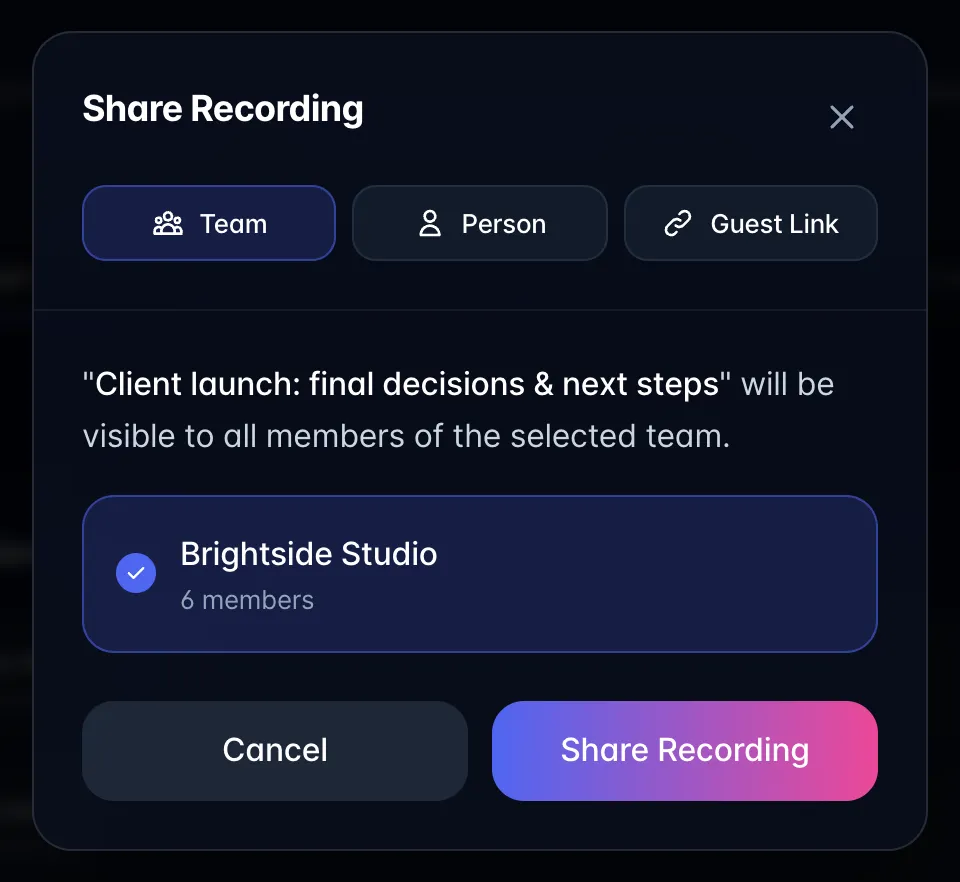
- Members can find the shared recording from that team in the sidebar or their shared Library view.
Team sharing gives access to the recording you selected. Joining a team does not automatically expose all members' private recordings. A recording can be shared to one team at a time; selecting another replaces that team selection.
Person
- Choose Person, search the list, and select teammates who have already joined.
- Choose Share with N Members.
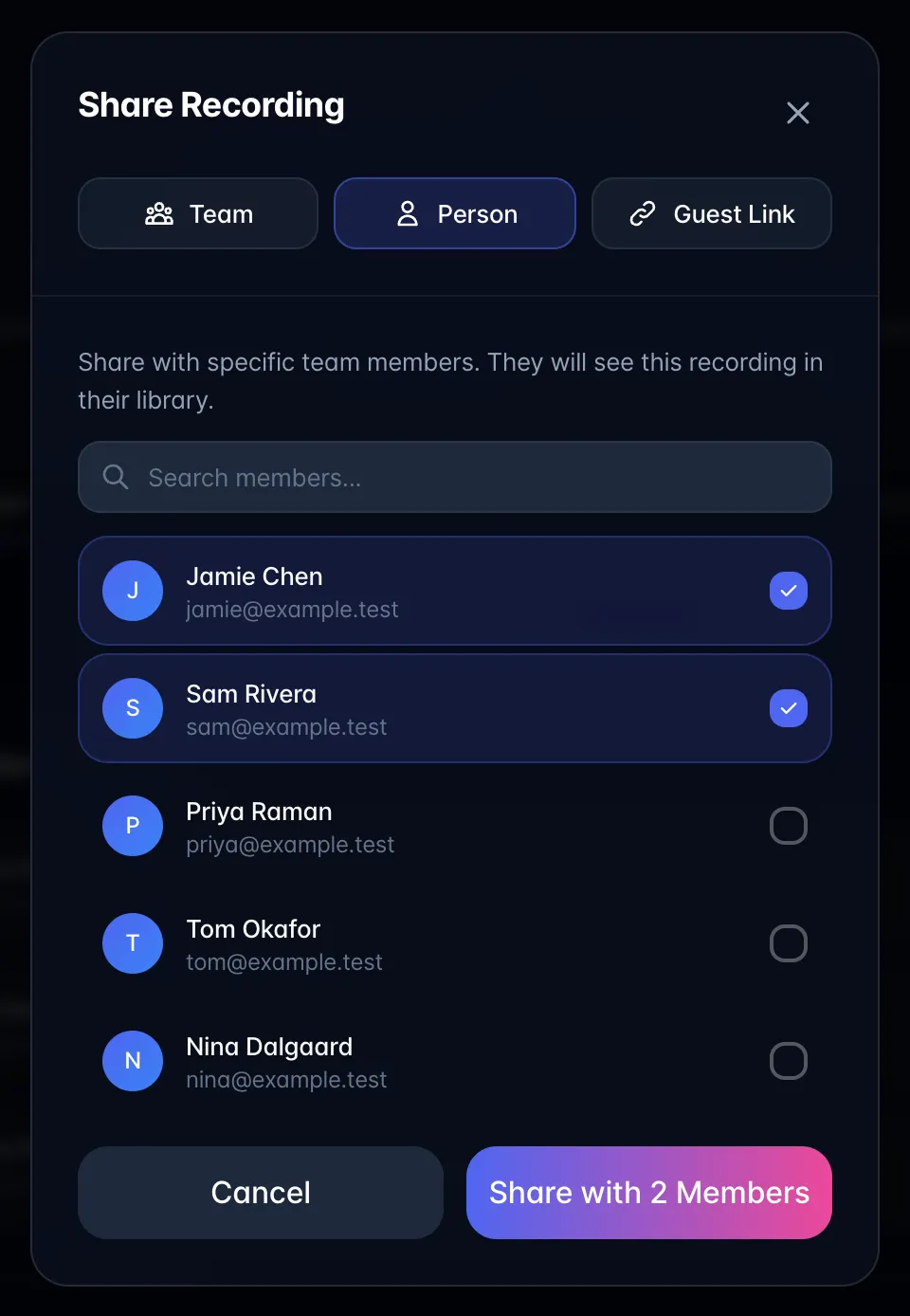
- Ask the recipient to check Library → Filters → Shared with me on phones (or Library → Shared with me on larger screens). Pending invitees are not selectable until they accept.
The person-plus icon in the recording header is a shortcut for sharing with one member. Only the owner can change sharing.
Guest Link
Use a Guest Link for visitors outside your team. See Guest links: change permissions and disable access for the generation, playback, and revocation steps.