
Attach photos to an existing recording
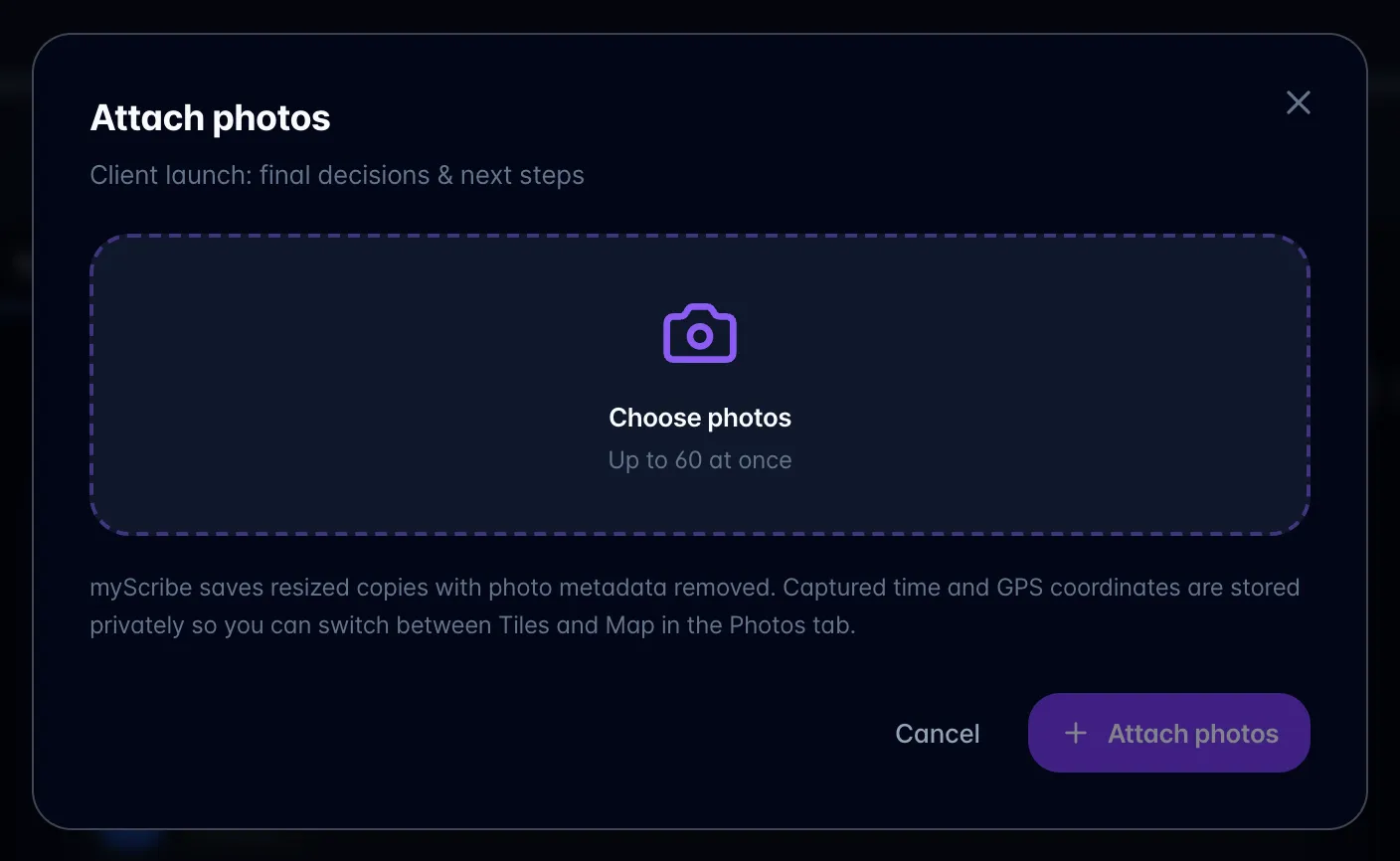
- Open a non-video recording you own and choose the camera icon (Attach photos) in the header. Once a recording has photos, you can also use Add photos on its Photos tab.

- Select up to 60 images and keep the page open until upload completes.
- Open Photos → Tiles to browse, or Map to see available locations. Photos without GPS remain available in the gallery.
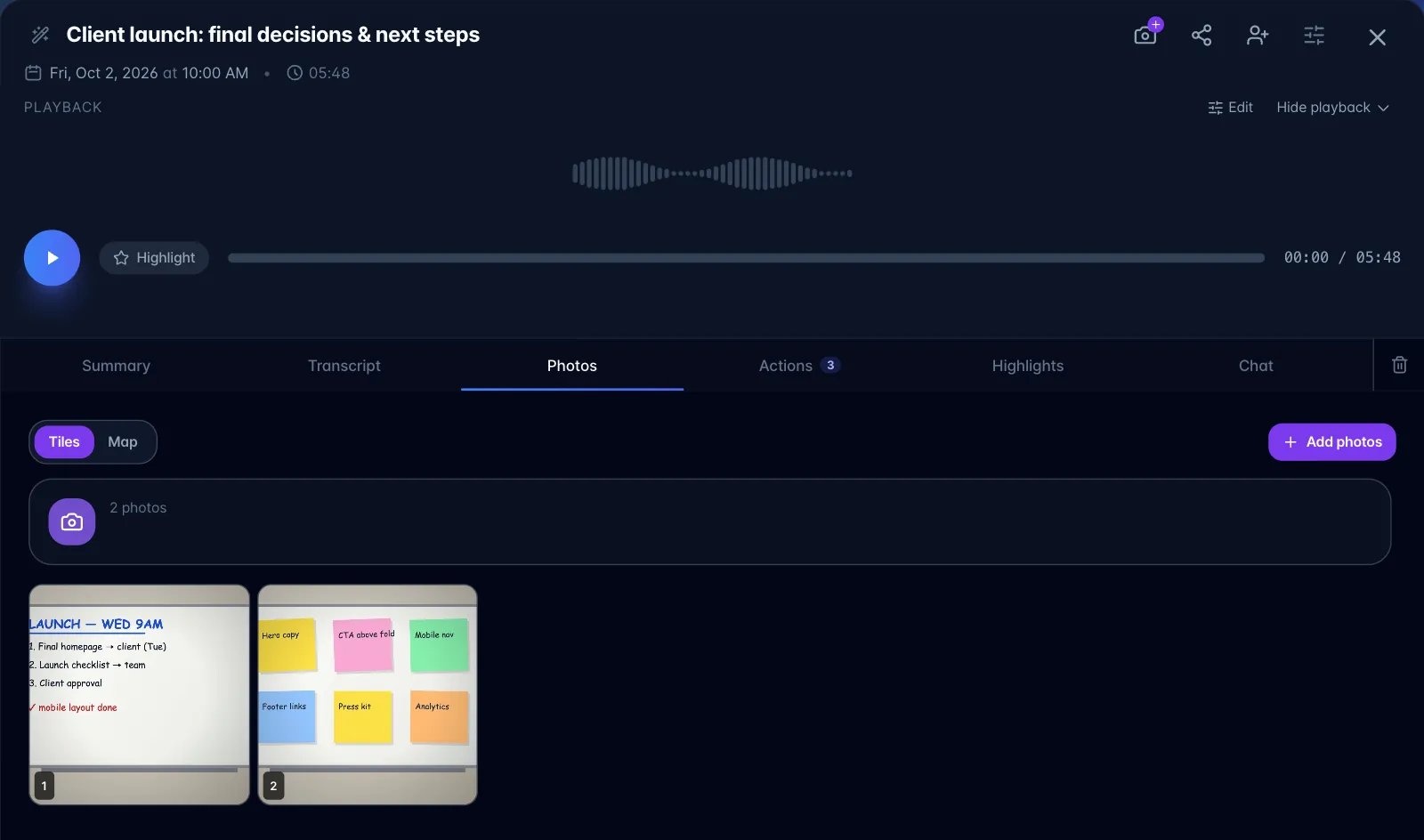
- Open a photo to inspect or edit its caption. Attached photos do not automatically get new AI captions; the existing transcript and summary stay in place.
- In Chat, use the paperclip to select up to four photos for a fresh visual review. This uses photo-analysis billing. A question without attachments uses saved text instead.
Photo attachments are available on non-video recordings. A standalone Photos import is different: it creates one photo session and generates captions and visible-text extraction during processing.