
What myScribe is
myScribe records your conversations, writes them down, and turns what was said into work you can track.
You capture a conversation three ways: record from your microphone in the browser, send a bot into a Zoom, Google Meet or Teams call, or upload a file you already have. myScribe transcribes it, labels who spoke, writes a summary, and pulls out the commitments people made: each one linked back to the moment it was said.
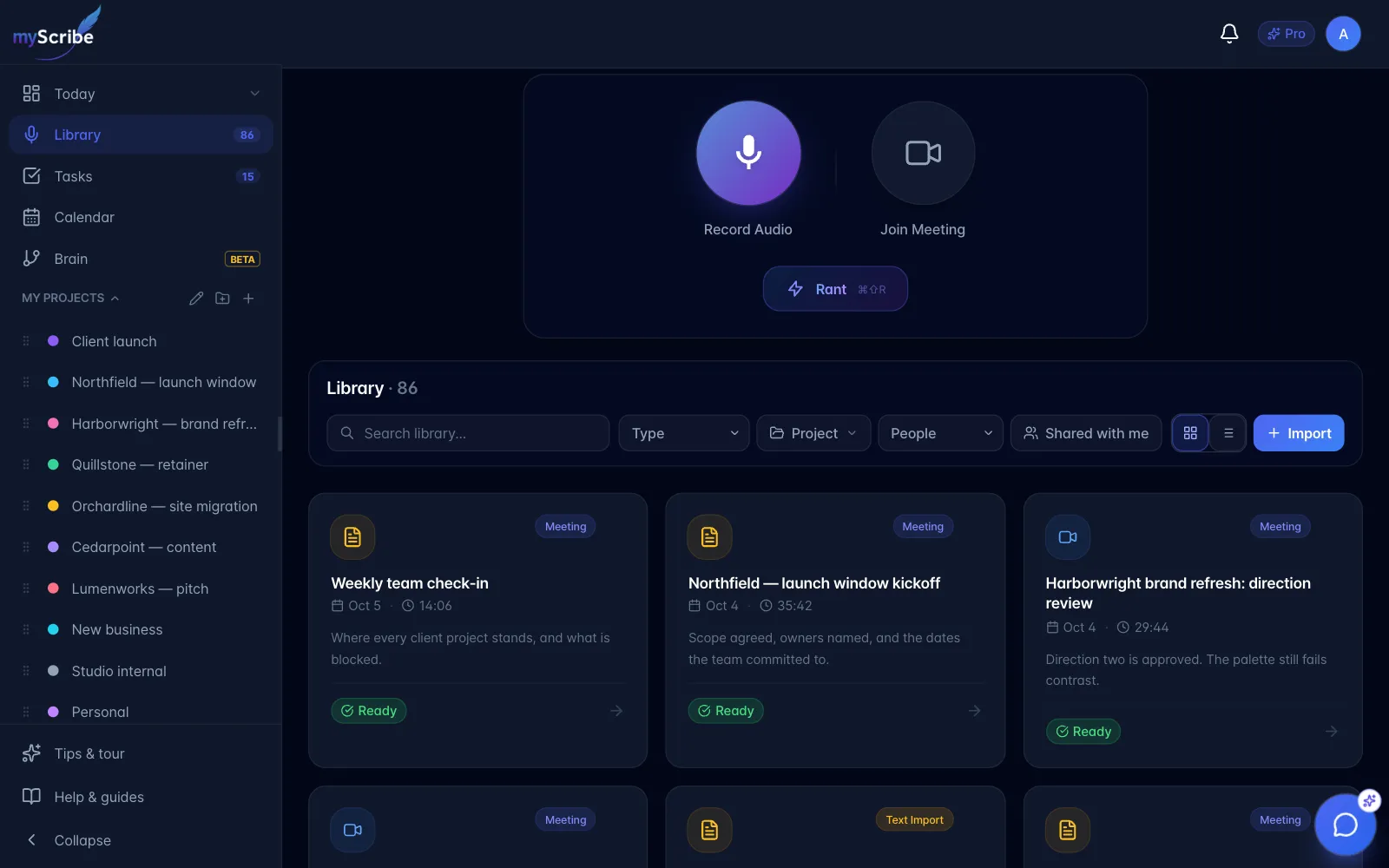
From there it is a task list you can work: assign items to people, give them dates, group them into projects. An AI assistant sits across the accessible content you have not marked Personal, so you can ask what a meeting decided or what you still owe someone, by typing or out loud.
Start with a short recording or import. Allow the permissions requested, wait for processing, then review the transcript, summary, and any suggested actions.