The map: where everything lives
Desktop has a left sidebar; mobile has a bottom tab bar. The task-related destinations are the same on both, with these names:
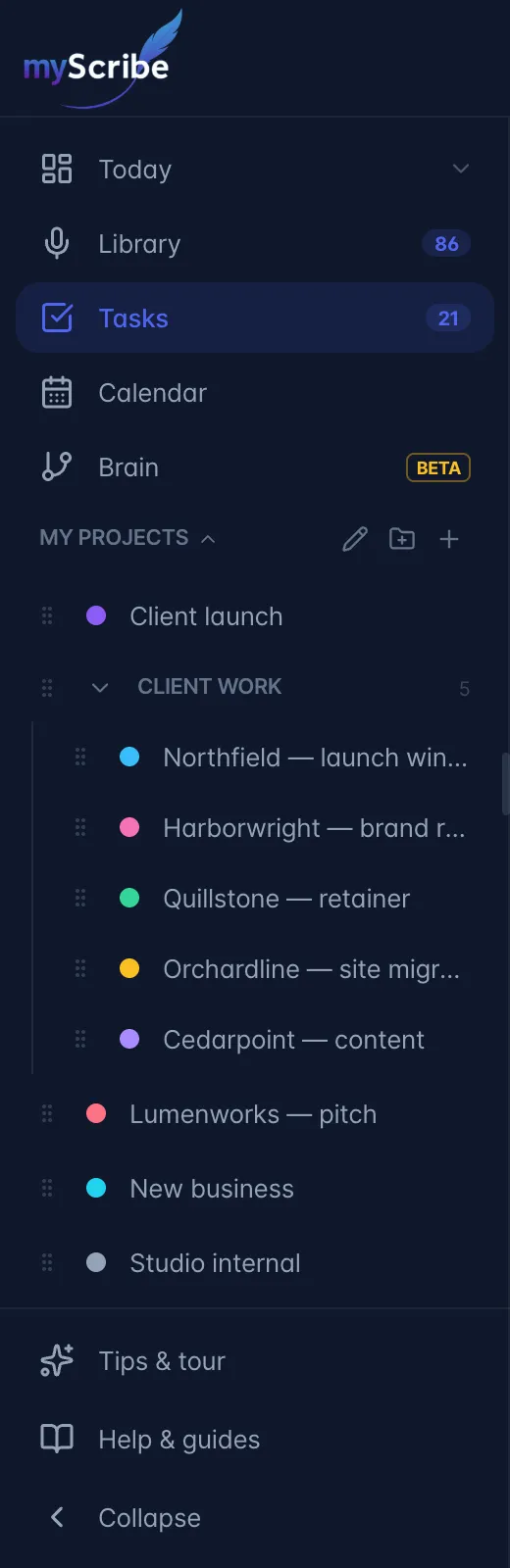
| Destination | Sidebar / tab label | What it is |
|---|---|---|
| Today | Today | Today's / this week's / this month's tasks and calendar events, mixed into one list |
| Tasks | Tasks | The board + list workspace for all tasks |
| Calendar | Calendar (calendar icon) | Month and week calendar of tasks with due dates |
| A single project | click a project in the sidebar | Project dashboard (desktop sidebar only) |
| Recording tasks | Recordings → open a recording → Actions tab | Tasks extracted from that one meeting |
Mobile tab bar: Today · Library · the round microphone (record) button, which has no text label · Tasks · Ask. Calendar is available from the Tasks toolbar, and the Tasks tab reopens the Calendar if that is where you were last. Projects and folders live in the sidebar, which on mobile is behind the nav-drawer button.