
Recurring tasks
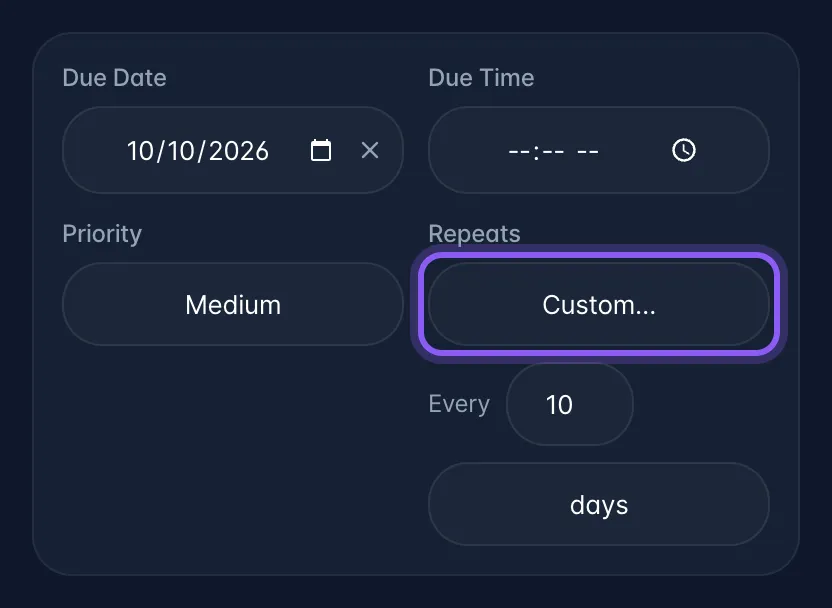
What it is: a Repeats dropdown: Never / Daily / Every weekday / Weekly / Twice a month / Monthly / Yearly, plus Custom… for any interval ("every 2 weeks", "every 3 months", "every 10 days").
Where: task detail sheet → Details tab, next to Priority.
What it actually does. The next occurrence appears in one of two ways: as soon as its date comes within a week, so next week's copy shows up in Calendar before you have finished this one, or the moment you tick the current one complete, whichever happens first. Either way you only get one copy. A repeat with no due date never produces one.
Gotchas
- No due date = no repeat. The next occurrence is never created.
- It doesn't matter where you tick it off. The list checkbox, the swipe, the board's Done column, the Today page, a bulk action, the assistant and a guest on a share link all create the next occurrence, and only ever one, even if two devices complete the same task at the same moment.
- Sub-tasks are not copied forward.