
Labels
What: coloured tags on a task.
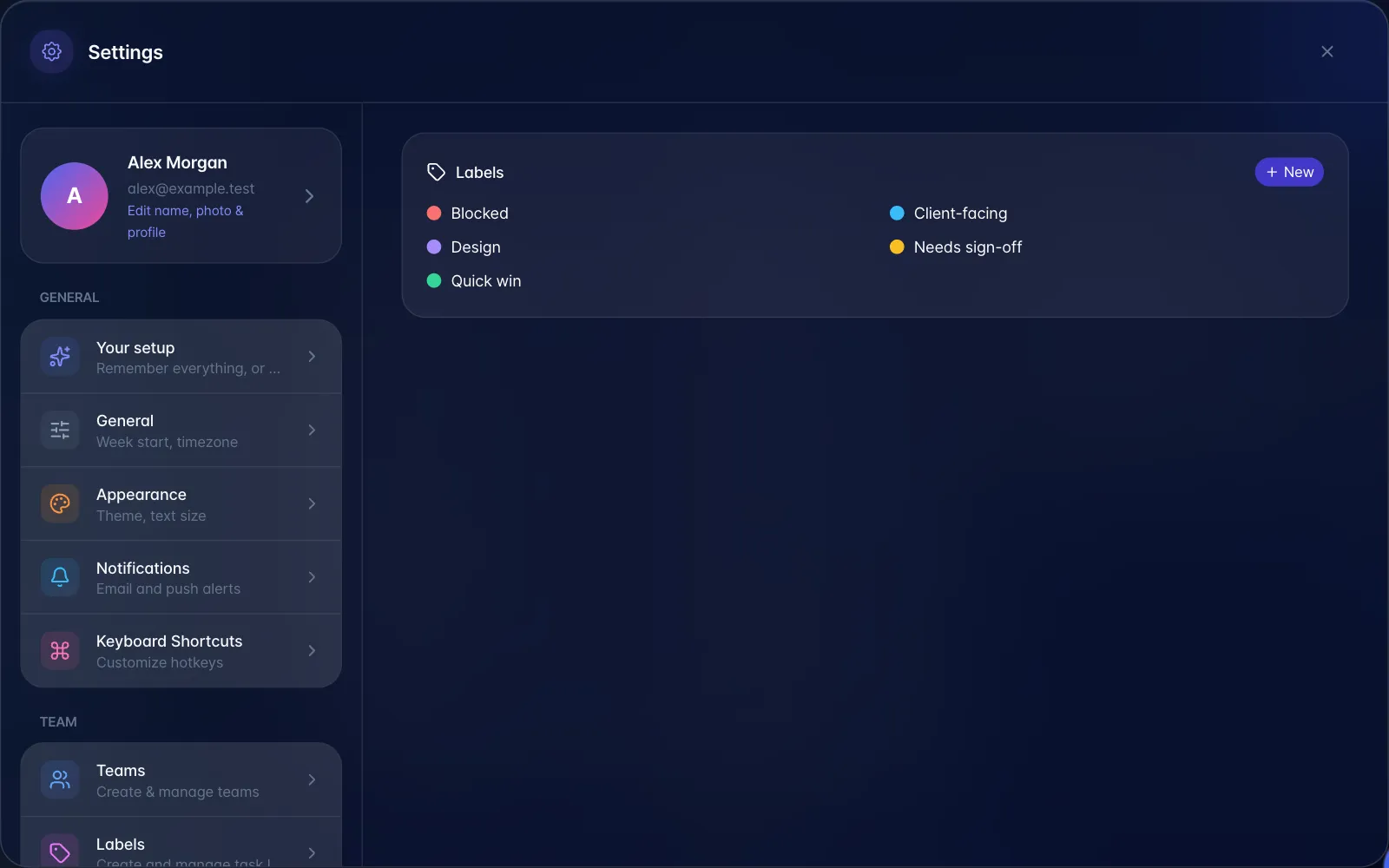
Where to create them: Settings → Labels (under the Team heading).
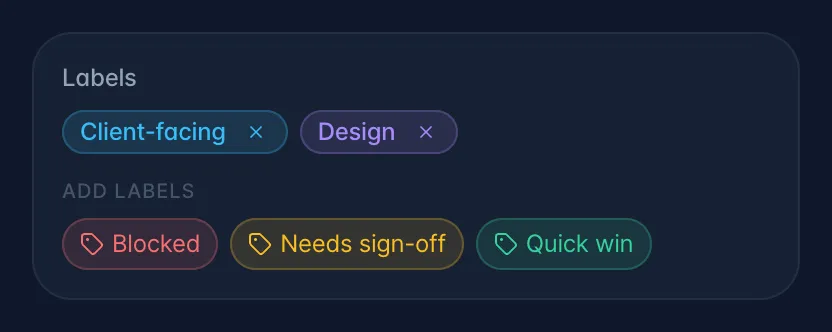
Where to apply them: task detail sheet → Details tab → Labels card. Click a label to add, click the ✕ on a chip to remove. Both save instantly.
Gotchas
- You cannot filter or search by label anywhere, and labels only show inside the task itself. They appear on the Details tab of the task you opened, and nowhere else, not on list rows, not on board cards, not on the calendar. Today they are a note to yourself, not a way to find anything.
- Labels are per workspace; if none exist you see "No labels available."