
Keyboard shortcuts that touch tasks
Active anywhere except while typing in a field:
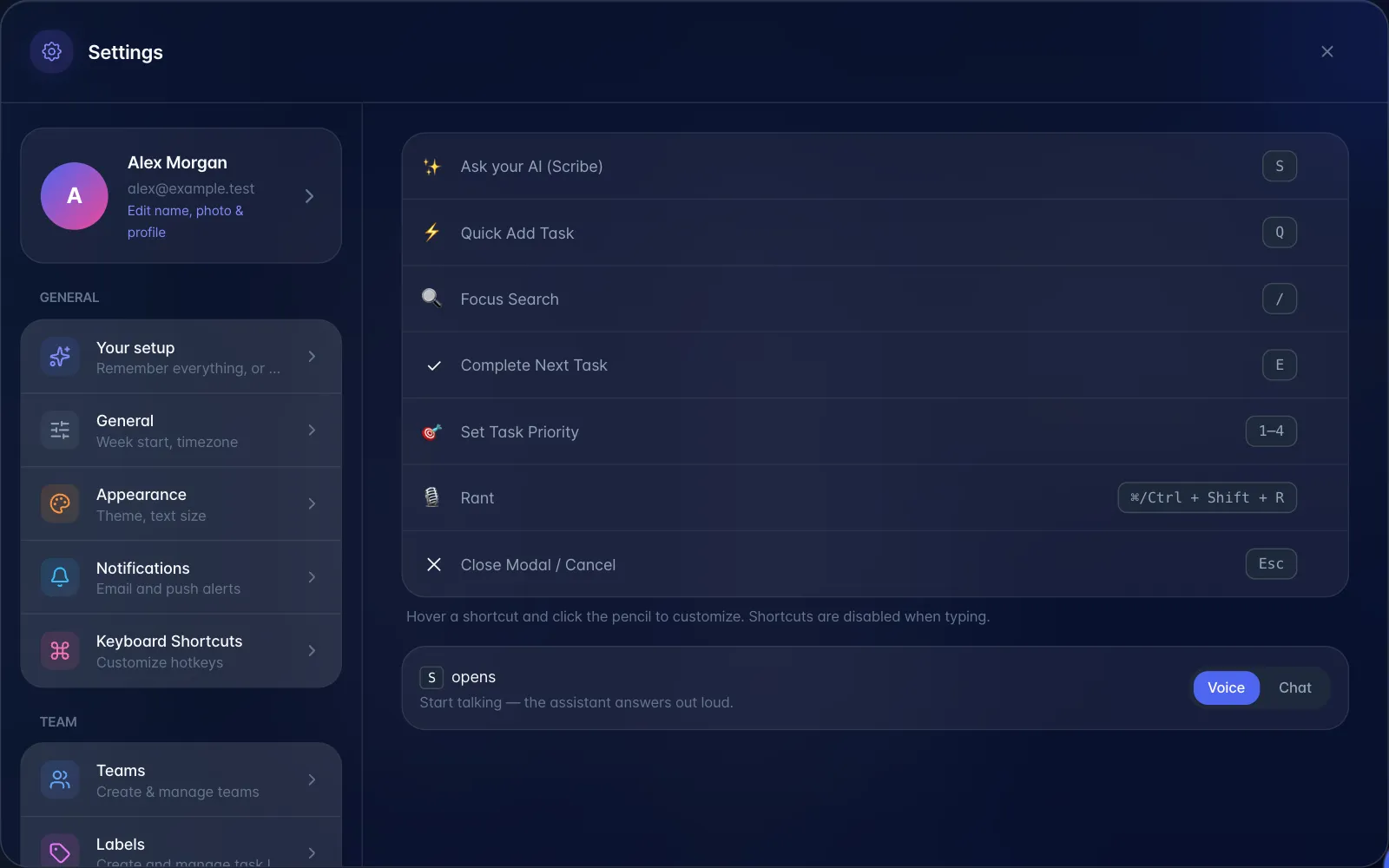
| Key | Does |
|---|---|
| Q | Open Quick Add |
| / | Focus the search box |
| S | Summon the AI assistant |
| Ctrl/⌘ + Shift + R | Start Rant Mode |
| E | Mark the first incomplete task complete |
| 1–4 | Set the priority of the first incomplete task (1 or 2 = high, 3 = medium, 4 = low) |
| Esc | Close Quick Add or the open window (Close Modal / Cancel in Settings) |
⚠️ A warning worth putting in any shortcuts article:
- E and 1–4 act on the first incomplete task in the underlying data, not the one you are looking at or have selected. It is easy to complete or reprioritise something at random.
Changing shortcuts. On a desktop, open Settings → Keyboard Shortcuts (it is not shown on touch devices). Only the assistant (S) and Rant shortcuts can be changed. Hover over one of those rows, choose its pencil (Customize shortcut), then press the new key combination. Reset to default puts the original back.