
Introducing yourself (and what it remembers)
What it is. A short conversation, the first time, where the assistant asks where you work, what you are responsible for, and which projects you want help staying on top of. After that it stops guessing.
Where. Today → the Getting started card → Meet your assistant → Say hello. The step is listed under Make myScribe yours once the first three getting-started steps are done. If you hid the card, Tips & tour in the sidebar brings it back.
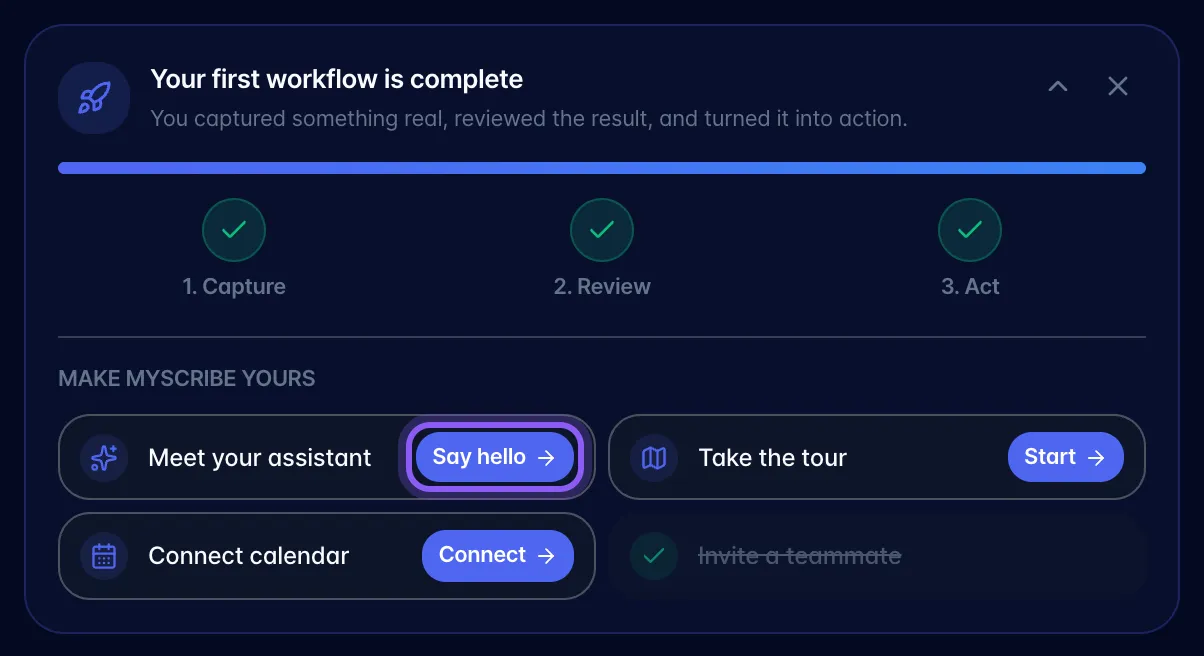
How it goes.
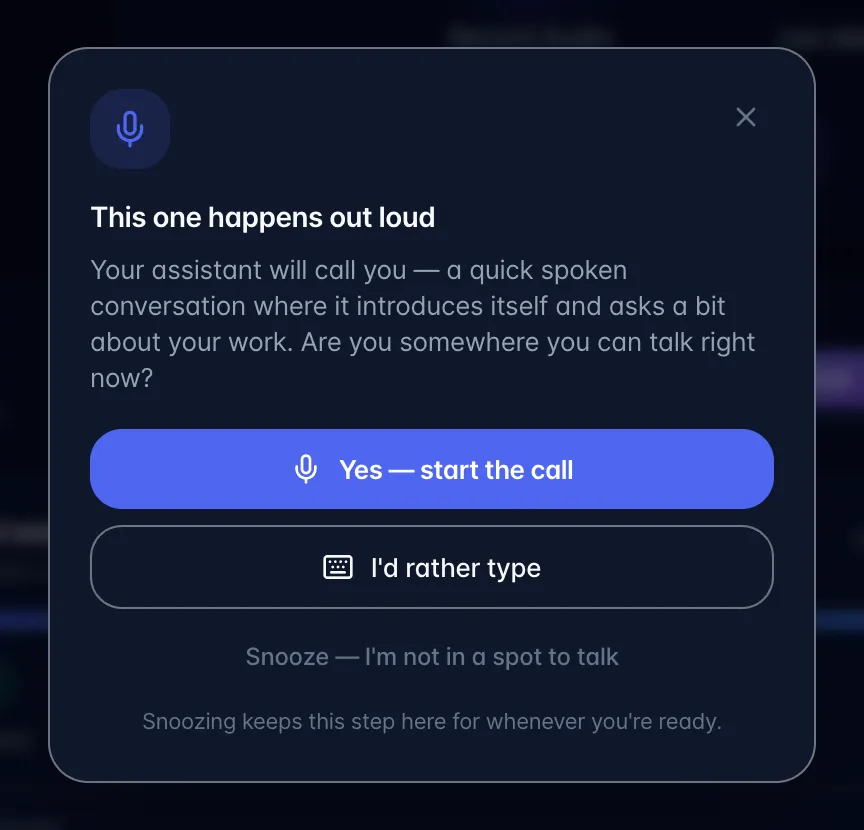
- Choose Say hello. A prompt titled This one happens out loud explains that the introduction is a short voice call.
- Choose Yes (start the call to talk, I'd rather type to do it in typed chat instead, or Snooze) I'm not in a spot to talk to keep the step for later.
- Answer its questions. It asks one thing at a time and reacts to your answers: two or three exchanges, not a form. Short answers are fine. If you would rather skip it, say so and it stops immediately; you can just start asking it things.
What it does with what you tell it. It keeps it, and uses it everywhere: typed chat, Scribe, in-task chat, and voice all know it. That is what turns answers from generic to pointed: which project you probably meant, whose name matters, how much detail to give you.
It keeps learning. You never have to run the introduction again. Any time you tell it something durable about your work: a new project, a person you rely on, how you like things done: it remembers, silently, and still knows next month.
Things worth knowing.
- It will not read your profile back at you or open answers by restating who you are.
- If something it knows is out of date, tell it: it will update rather than keep acting on the old fact.
- The introduction happens once. After it, the step shows as done and its Say hello button goes away. To change what the assistant knows, just tell it in any conversation.