
Asking about your meetings
Ask across your Library
- Open the workspace assistant, or choose Ask on mobile.
- Give a date, topic, project, or speaker name, such as "What did we decide about the launch in Monday's meeting?"
- Open the cited recording or timestamp to check the source.
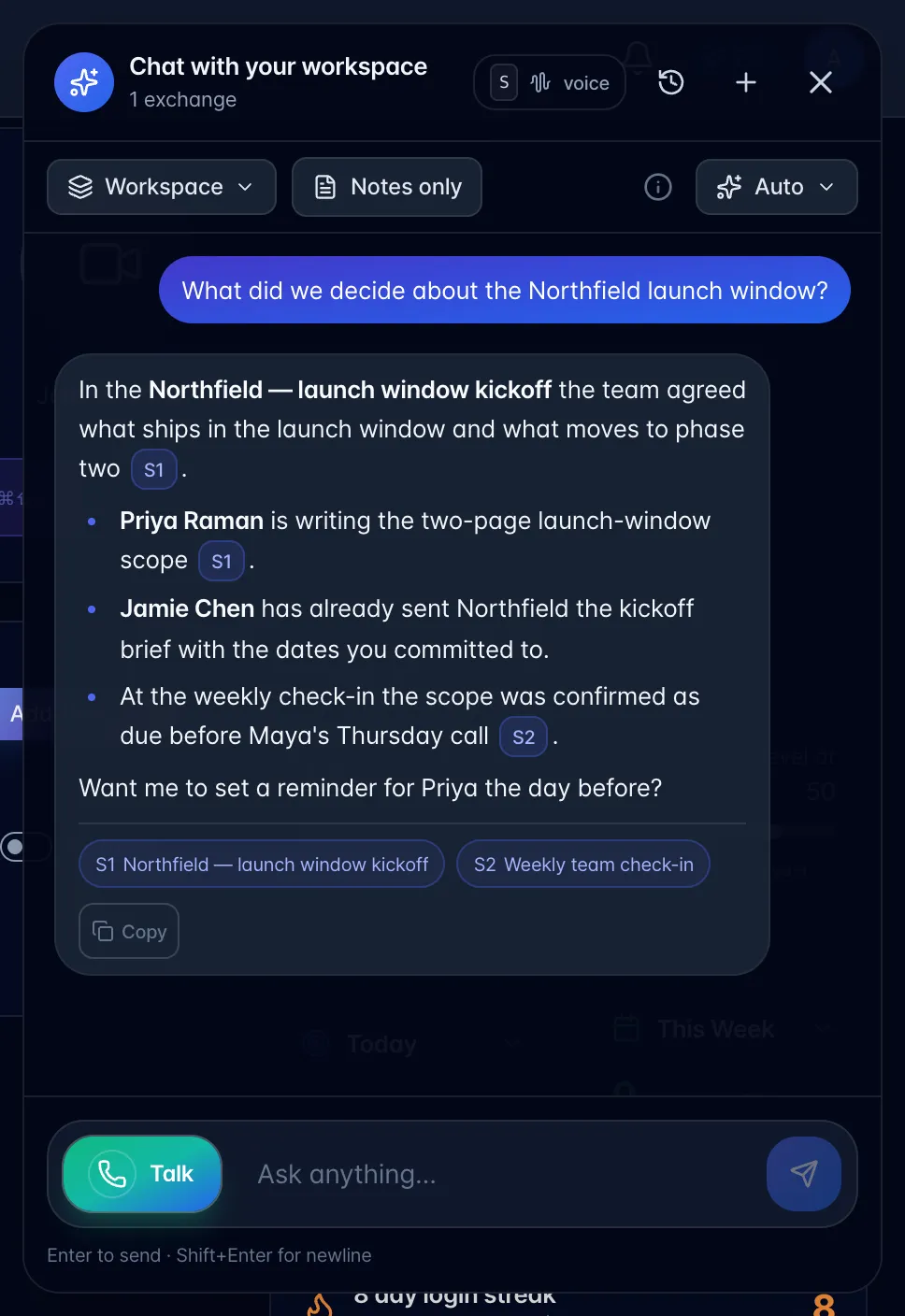
- Ask a follow-up or request a specific task change. Check the result in your task list. To share the recording with a guest, ask chat for a guest link and review its recording card before approving the email.
The assistant can find accessible content by meaning, exact words, dates, and named speakers. Recordings marked Personal and their linked content are excluded from global answers.