
Citations and trust
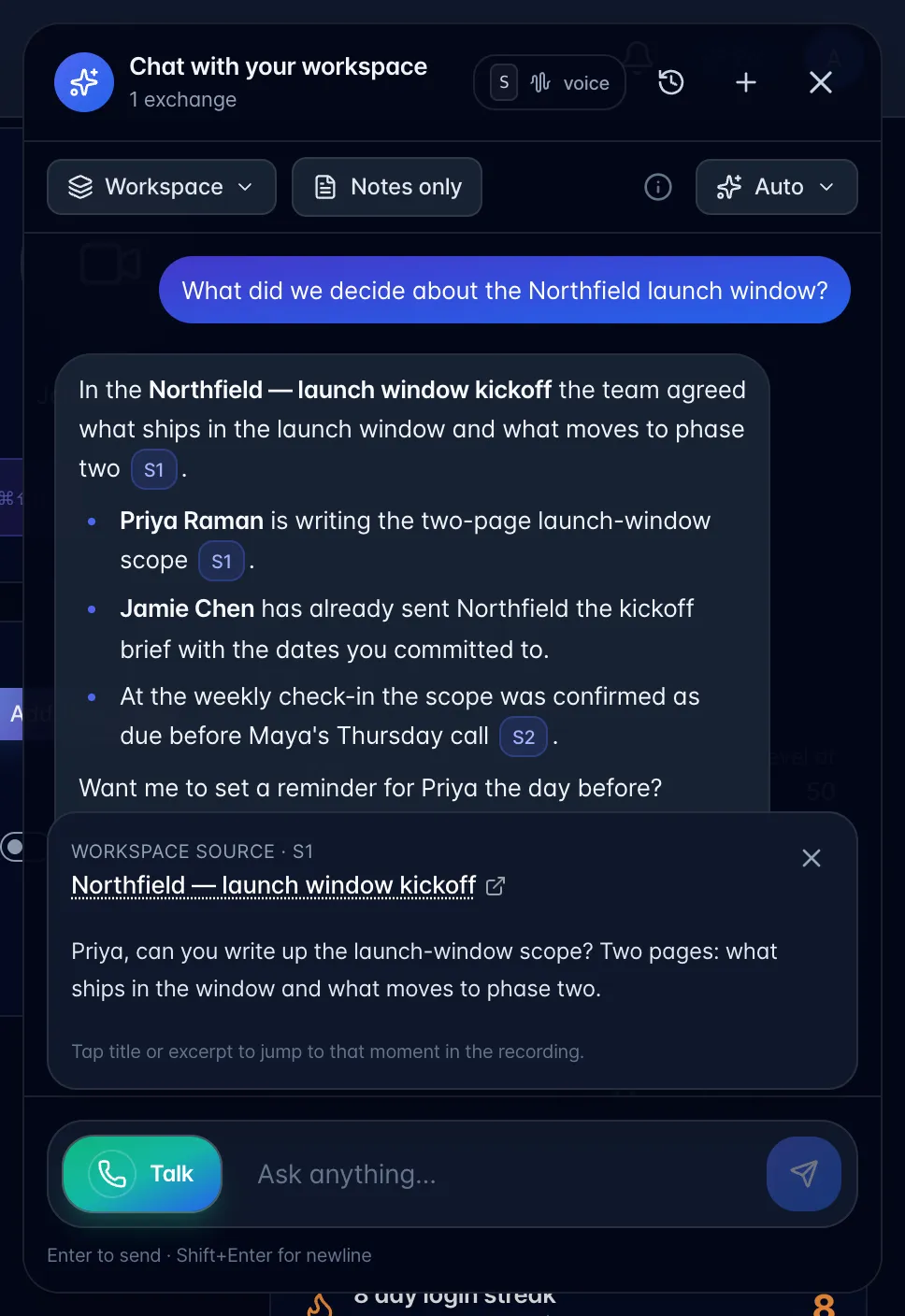
In typed chat, answers cite the recordings they drew on as small numbered chips (S1, S2…). Only sources the answer actually used are shown.
- Choose a chip. A Workspace source card opens above the message box with the recording title and the quoted excerpt.
- Choose the title to open the recording, or the excerpt to jump to that moment when the source has a timestamp.
Out loud, it names the meeting instead of reading a citation code, because "bracket S 2" is meaningless in a conversation.
Schedule answers carry no citations: your calendar and tasks are live data, not a document it looked up.